How to Buy and Sell Pepe Coin (PEPE) and Exchange it to Rupiah at the Door

Jakarta, Pintu News – Pepe Coin is one of the memecoins that has caught the attention of crypto investors in recent years. With a strong community and viral popularity, many people have become interested in buying and storing PEPE as an alternative digital asset.
If you want to know how to buy Pepe Coin, how to sell PEPE, and how to cash out to your bank account, this article presents a complete guide that you can easily follow, either through the Pintu application on your cellphone or through the Pintu Pro website.
How to Buy Pepe Coin (PEPE) on the Pintu App
Here are some easy ways to buy Pepe Coin (PEPE):
- Open the Pintu app and Log In to your Pintu account. Then, tap the “Market” menu at the bottom.
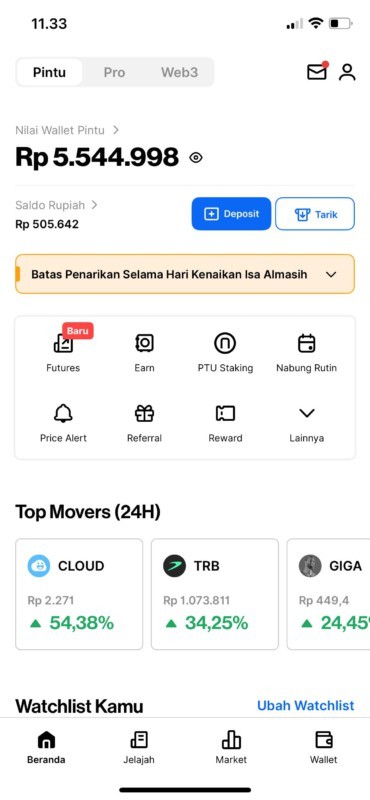
- After going to the Market page, tap PEPE next.
- On the PEPE page, you can see the price movement of PEPE in 24 Hours, 1 Week, 1 Year, or All. Then, click “Buy“.
- Enter the amount you want to allocate to buy PEPE. You can also utilize the 25%, 50%, 75%, and 100% features to make your PEPE purchase easier.
- Confirm your PEPE purchase and click “Buy Now“. Congratulations, your PEPE purchase has been successful.
How to Sell PEPE on the Pintu App
Here are some ways to sell PEPE easily:
- Open the Pintu app and Log In to your Pintu account. Then, tap the “Wallet” menu at the bottom.
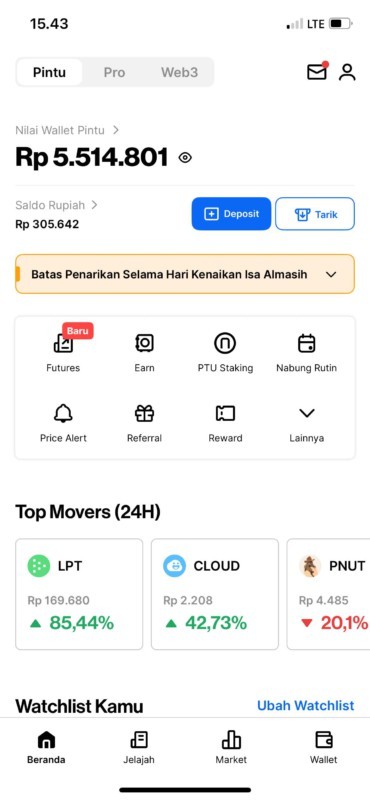
- Once on the Wallet page, tap PEPE.
- Next, click on the “Sell” menu.
- Enter the amount of PEPE you want to sell. To make selling PEPE easier, you can use the 25%, 50%, 75%, and 100% features.
- Check the amount of PEPE you want to sell and click “Sell Now“. Success! Your PEPE sale has been successful.
How to Buy PEPE on Pintu Pro Website
Here’s how to buy PEPE easily through the Pintu Pro website:
- Go to https://pintu.co.id/pro click “Open on Desktop” and Login to your Pintu account
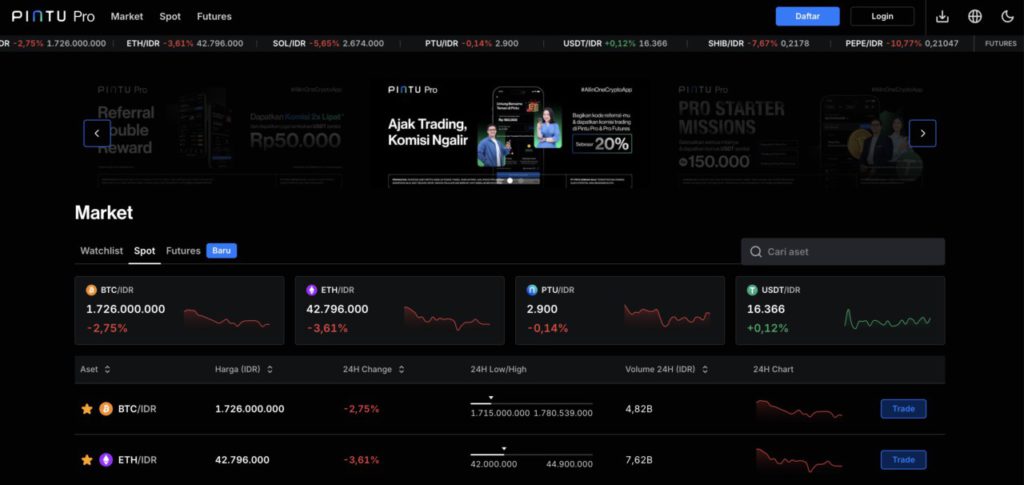
- Once logged in, navigate to the Market page and click PEPE
- Choose your preferred Order Type to purchase PEPE. Pintu Pro Web offers two types of orders: Market Order to buy PEPE at the current market price, which is executed instantly. Limit Order is used to buy PEPE by specifying a certain price, which is executed when the market price reaches the price you specify. After specifying the order type, you can enter the amount of PEPE you want to buy and click “Buy BTC” to place the order.
- Congratulations! Your PEPE purchase order has been successfully placed. To see the list of PEPE purchases made, you can see it in “Order“. For Market Orders, the transaction will be processed immediately. For Limit Order, the transaction will wait until the market price reaches the price you set.
How to Sell PEPE on Pintu Pro Website
Here is how to sell PEPE easily through Pintu Pro website:
- Go to https://pintu.co.id/pro click “Open on Desktop” and Login to your Pintu account
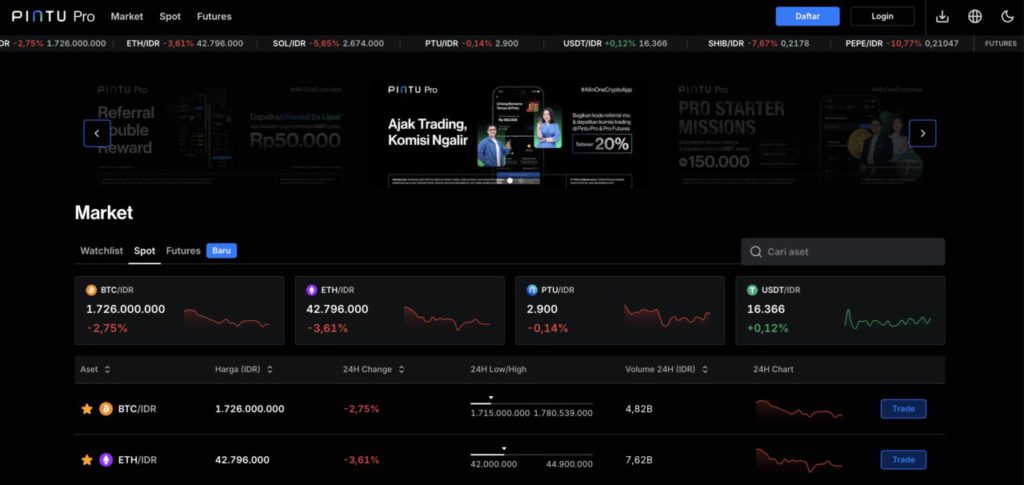
- Once logged in, navigate to the Market page and click PEPE
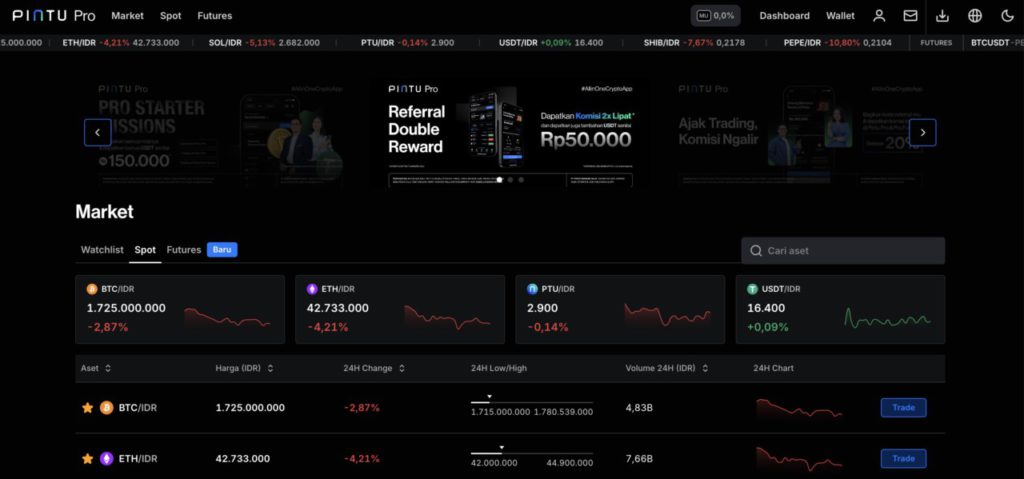
- Click the “Sell” menu and select the Order Type you want to sell PEPE. Pintu Pro Web offers two types of orders: Market Order to sell PEPE at the current market price, which is executed instantly. Limit Order is used to sell PEPE by specifying a certain price, which is executed when the market price reaches the price you specify. After specifying the order type, you can enter the amount of PEPE you want to buy and click “Sell BTC” to place the order.
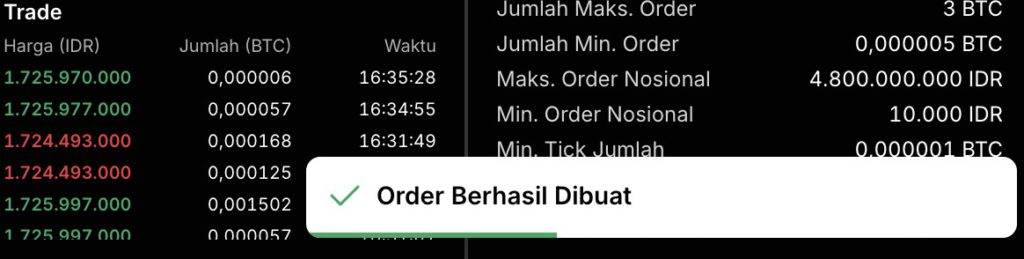
- Congratulations! Your PEPE sell order has been successfully created.
How to Cash PEPE to Rupiah Through Local Bank Account in Indonesia
To start how to cash out PEPE to rupiah, make sure you have sold your PEPE to IDR in the manner stated above.
- Open Pintu app and Log In to your Pintu account. Then, tap the “Withdraw” menu at the top of the main page.

- Select the rupiah withdrawal destination via the local bank account you have registered earlier.

- Input the amount of IDR you want to withdraw to your bank account and click “Next“.

- Check the amount and recipient again and tap “Withdraw Now“.

- Congratulations! You have successfully cashed your PEPE to rupiah through your bank account.
How easy is it to buy and sell PEPE on Pintu? By following the steps above, hopefully you will get better at trading PEPE and other crypto assets! If you encounter any problems or have any questions, don’t hesitate to contact us via the Live Chat feature on the Pintu app, or email us at [email protected].