How to Check Minimum & Maximum Order Size on Pintu Futures
The minimum and maximum order size (lot) on Pintu Futures varies for each crypto asset. You can check both directly on each asset’s page.
How to Check Minimum & Maximum Order Size
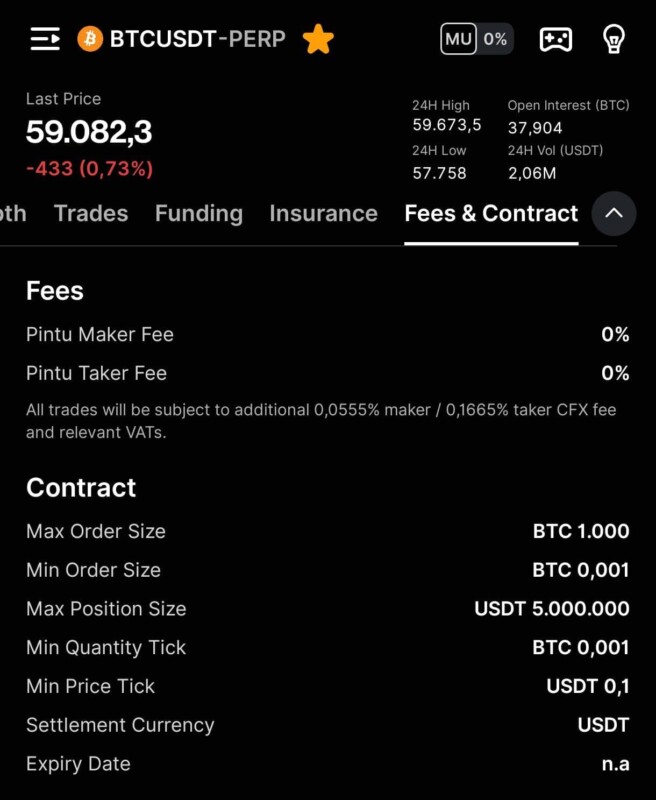
- Open the Futures asset page you want to check (e.g. BTCUSDT-PERP).
- Tap the Fees & Contract tab at the top of the page.
- Scroll to the Contract section.
- View Max Order Size and Min Order Size there.
Was this article helpful?
Thank you for your review!Close
Failed to send review. Please try again.Close