

How to Buy and Sell Solana (SOL) and Convert to Rupiah at the Door

Solana (SOL) is one of the popular crypto assets widely used in blockchain and DeFi ecosystems. If you’re looking to find out how to buy Solana (SOL), how to sell it, or how to exchange Solana to rupiah, this article will cover the easy steps using the Pintu app and website.
This guide is perfect for beginners as well as experienced investors who want to start transacting crypto safely, quickly, and directly into local Indonesian bank accounts. Before we go further, here is the information about Solana that you should know.
Solana is one of the crypto assets known for its network speed and efficiency. Developed as a blockchain platform with high scalability, Solana enables fast transactions and very low fees, making it an attractive option for decentralized applications (dApps) and decentralized finance (DeFi).
For potential investors, Solana can be considered as an innovative digital investment instrument that continues to grow, especially among Web3 projects and the global crypto ecosystem. Learn more about what Solana (SOL) is here.
How to Buy Solana on the Door App
Here are some ways to buy Solana easily:
- Open the Pintu app and Log In to your Pintu account. Then, tap the “Market” menu at the bottom.
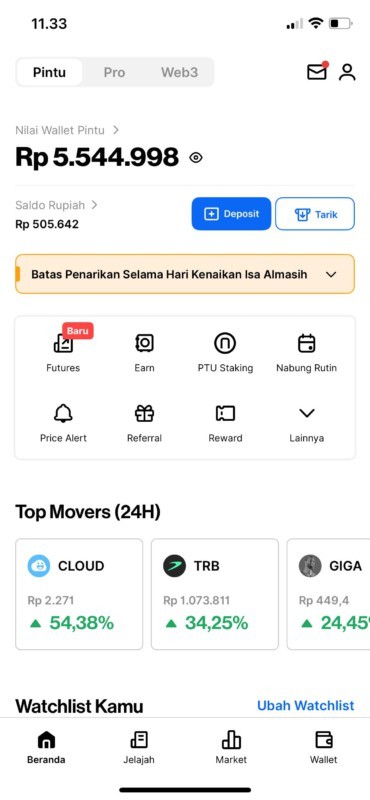
- After going to the Market page, tap Solana next.
- On the Solana page, you can see Solana’s price movements within 24 hours, 1 week, 1 year, or all. Then, click “Buy“.
- Enter the amount of price you want to allocate to buy Solana. You can also utilize the 25%, 50%, 75%, and 100% features to make your Solana purchase easier.
- Confirm your Solana purchase and click “Buy Now“. Congratulations, your Solana purchase has been successful.
How to Sell Solana on the Door App
Here are some ways to sell Solana easily:
- Open the Pintu app and Log In to your Pintu account. Then, tap the “Wallet” menu at the bottom.
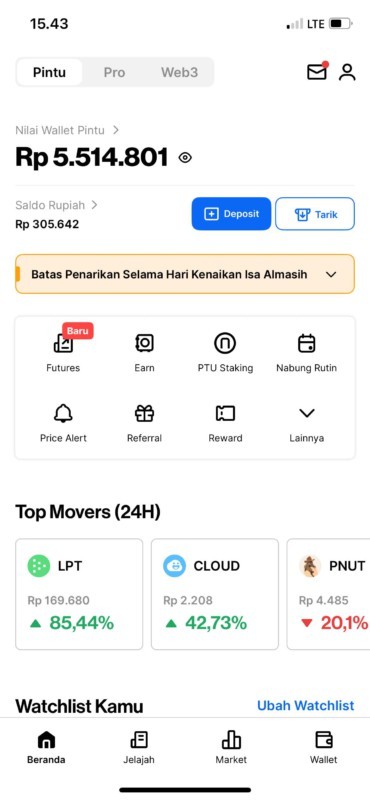
- Once on the Wallet page, tap Solana.
- Next, click on the “Sell” menu.
- Enter the quantity of Solana you want to sell. To make selling Solana easier, you can use the 25%, 50%, 75%, and 100% features.
- Recheck the amount of Solana you want to sell, then click “Sell Now“. Success! Your Solana sale has been successful.
How to Buy Solana on Pintu Pro Website
Here is how to buy Solana easily through the Pintu Pro website:
- Go to https://pintu.co.id/pro click “Open on Desktop” and Login to your Pintu account
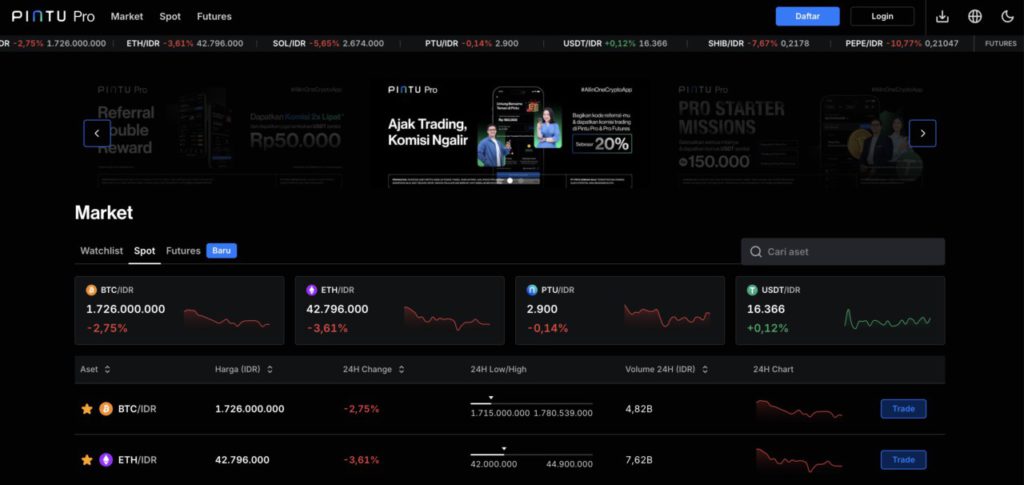
- Once logged in, navigate to the Market page and click on Solana
- Choose your preferred Order Type to purchase Solana. Pintu Pro Web offers two types of orders: Market Order to buy Solana at the current market price, which is executed instantly. Limit Order is used to buy Solana by specifying a certain price, which is executed when the market price reaches the price you specify. After specifying the order type, you can enter the amount of Solana you wish to buy and click “Buy BTC” to place the order.
- Congratulations! Your Solana purchase order has been successfully placed. To see the list of Solana purchases made, you can see it in “Order“. For Market Orders, the transaction will be processed immediately. For Limit Order, the transaction will wait until the market price reaches the price you set.
How to Sell Solana on Pintu Pro Website
Here is how to sell Solana easily through Pintu Pro website:
- Go to https://pintu.co.id/pro click “Open on Desktop” and Login to your Pintu account
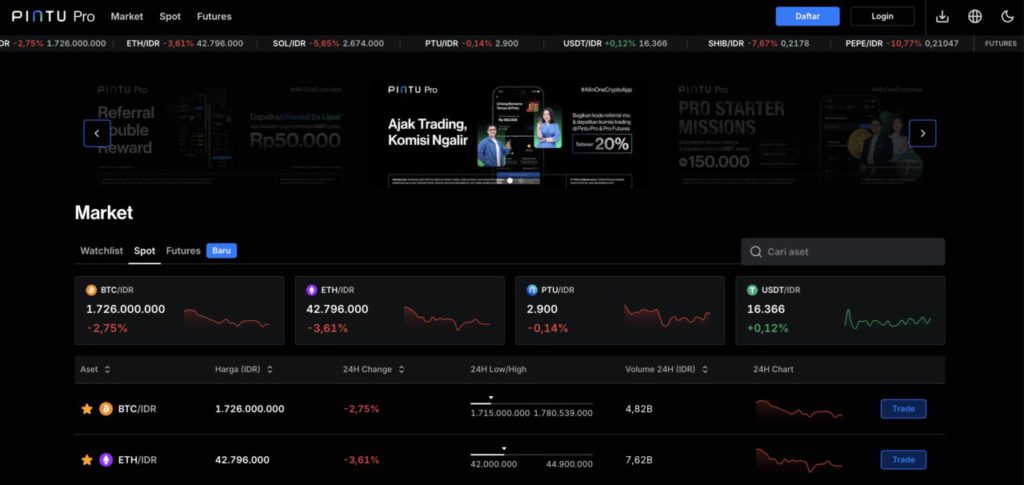
- Once logged in, navigate to the Market page and click on Solana
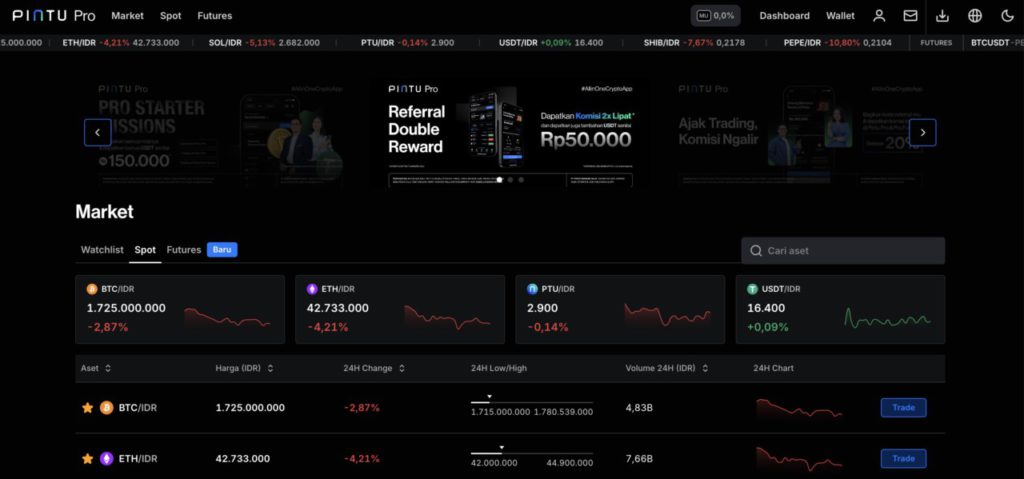
- Click the “Sell” menu and select the Order Type you want to sell your Solana. Pintu Pro Web offers two types of orders: Market Order to sell Solana at the current market price, which is executed instantly. Limit Order is used to sell Solana by specifying a certain price, which is executed when the market price reaches the price you specify. After specifying the order type, you can enter the amount of Solana you wish to buy and click “Sell BTC” to place the order.
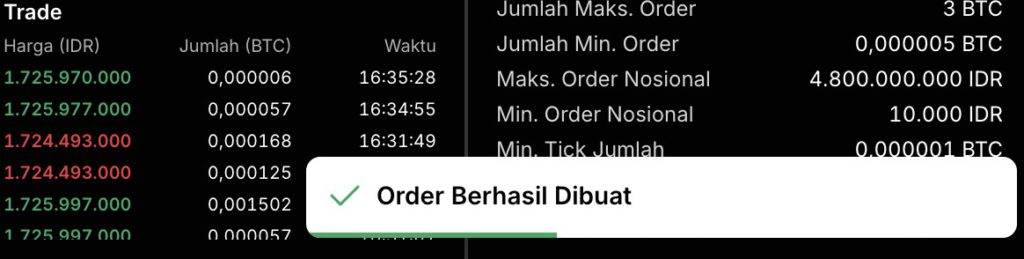
- Congratulations! Your Solana sale order has been successfully created.
How to Cash Solana to Rupiah via Local Bank Account in Indonesia
To start how to cash out Solana to rupiah, make sure you have sold your Solana to IDR in the manner stated above.
- Open Pintu app and Log In to your Pintu account. Then, tap the “Withdraw” menu at the top of the main page.

- Select the rupiah withdrawal destination via the local bank account you have registered earlier.

- Input the amount of IDR you want to withdraw to your bank account and click “Next“.

- Check the amount and recipient again and tap “Withdraw Now“.

- Congratulations! You have successfully withdrawn Solana to rupiah through your bank account.
How, is it really easy to buy and sell Solana on Pintu? By following the steps above, hopefully you will get better at trading Solana and other crypto assets! If you encounter any problems or have any questions, don’t hesitate to contact us via the Live Chat feature in the Pintu app, or email us at help@pintu.co.id.
Latest News
© 2026 PT Pintu Kemana Saja. All Rights Reserved.
The trading of crypto assets is carried out by PT Pintu Kemana Saja, a licensed and regulated Digital Financial Asset Trader supervised by the Financial Services Authority (OJK), and a member of PT Central Finansial X (CFX) and PT Kliring Komoditi Indonesia (KKI). Crypto asset trading is a high-risk activity. PT Pintu Kemana Saja do not provide any investment and/or crypto asset product recommendations. Users are responsible for thoroughly understanding all aspects related to crypto asset trading (including associated risks) and the use of the application. All decisions related to crypto asset and/or crypto asset futures contract trading are made independently by the user.